
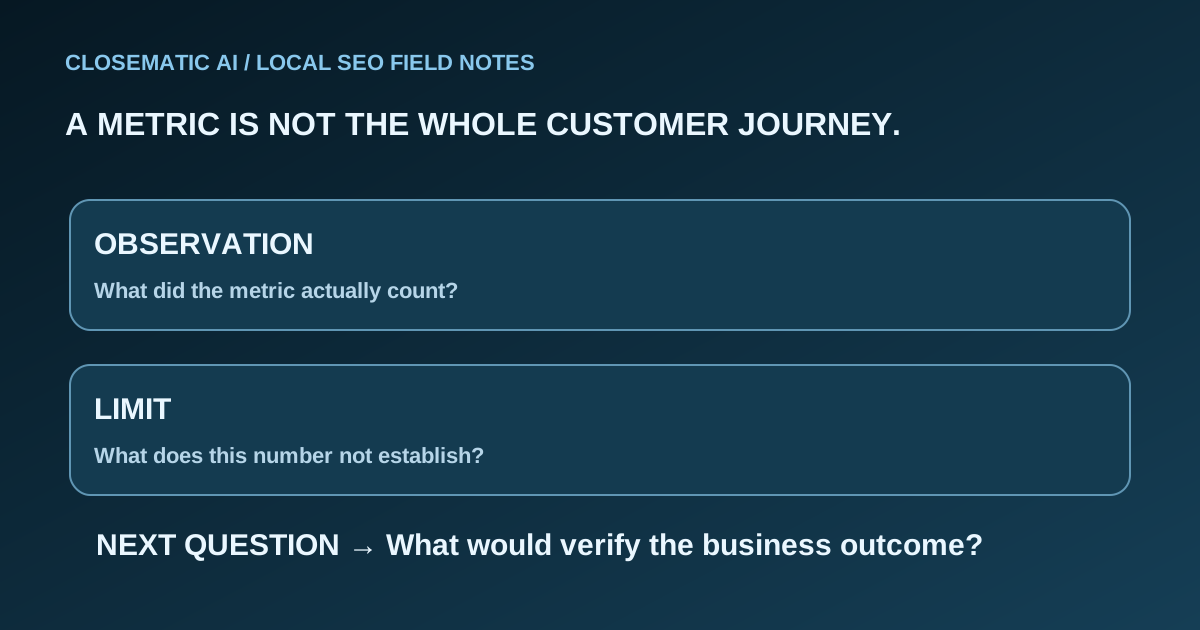
Start with the decision, not the biggest number
Before opening a report, choose the business decision you need to make. “Are people finding our profile?” differs from “Are we responding to inquiries?” and “Are those inquiries becoming suitable jobs?” Match each question to the relevant evidence instead of expecting a single chart to settle all three.
For a service business, a useful review connects discovery, customer action and your team’s follow-through. Keep those stages visible. Otherwise, a rise in views can look like a sales improvement even when nobody has checked the appointment book.
This guide offers a reading method, not a benchmark for what your business should achieve. Your service area, capacity and type of work determine what a useful inquiry looks like. If the distinction between a profile and a website is unclear, start with Google Search versus Maps.
Open the right profile and set the reporting period
In your managed Google Business Profile, open Performance, choose the reporting period and apply it. Google explains that available measures vary. Its performance reporting can include activity from organic results and Google Ads, so do not label the whole report “free organic leads.” Search-term reporting follows a monthly update schedule. Google’s performance guide
Record the business or location, selected dates and source beside every result. If you export several profiles, keep their rows identifiable. A combined total can conceal the problem you are trying to diagnose.
Choose complete periods with comparable operating conditions. When comparing a holiday closure with a normal working period, make that difference explicit. This is a practical comparison rule, not a Google ranking instruction. It prevents a misleading conclusion before any optimization begins.
Use this metric-reading worksheet
The definitions below follow Google’s reporting documentation. The limitations and next questions form a practical worksheet you can use with your own records. Google’s API documentation also distinguishes daily measures by type and date range. That documentation does not establish which measures a particular software vendor displays. DailyMetric definitions, daily time-series reference
| Measure | What it counts or describes | What it does not prove | Next question |
|---|---|---|---|
| Profile views | People viewing the profile, under Google’s counting rules | New customers or unique people across all your marketing | Did relevant inquiries change too? |
| Search terms | Queries associated with profile appearances | A fixed position for every searcher | Do these terms fit the services we actually offer? |
| Calls | Clicks on the profile’s call button | Answered calls, qualified inquiries or booked jobs | What happened in our call records? |
| Website clicks | Clicks on the website link in the profile | Completed forms or sales | Does the destination answer the visitor’s likely question? |
| Directions | Requests for directions | Visits completed or work purchased | Is visiting our location part of our customer journey? |
Do not add every row and call the result “people reached.” One person may take more than one action. Likewise, dividing a sales count by an unrelated view total produces a number, but not necessarily a defensible conversion rate.
Use a second worksheet column for your evidence: the profile export, an inquiry record, an appointment status or a note that the outcome remains unknown. “Unknown” is useful information. It shows where measurement needs work rather than disguising a gap as success or failure.
Keep three records separate
Maintain separate records for profile activity, website search performance and customer outcomes. Each describes a different part of the journey. Bring them together only when your evidence supports the connection, so a useful observation does not become an unsupported claim about where a customer came from.
Profile activity
This record concerns the Business Profile. Use it to investigate discovery and actions around that profile. It is not a transcript of every customer journey.
Website search performance
Search Console reports how your website performs in Google Search, including clicks, impressions and average position. Its filters, page groupings and dates matter. These are website search measures, not interchangeable labels for the Business Profile worksheet. Google Search Console reporting guide
For the narrower question of appearances in generated answers, use the AI Overview visibility protocol. Keep those observations separate from profile activity and aggregate website search totals.
Customer outcomes
Your own inquiry and job records answer operational questions: Was the request relevant? Did someone reply? Was an appointment booked? Was work completed? Record the source only when you have a reasonable basis for it. If a caller does not know how they found you, retain that uncertainty.
For example, imagine a plumbing business sees more profile activity while the owner reports fewer suitable requests. That is a hypothetical diagnosis, not a customer result. The next step is to review inquiry relevance and response handling, not announce a ranking failure or a successful campaign.
Investigate a change before assigning credit
Write a short change log alongside the report before assigning credit for an increase or blame for a decline. Include factual operational changes such as revised hours, a corrected phone number, an updated website destination or temporary staff absence. Keep what you observed separate from your explanation.
- Observation: Website clicks changed between two selected periods.
- Possible explanation: The service mix or customer demand changed.
- Check: Review the destination page, relevant inquiries and any operational differences.
- Decision: Keep, correct or investigate a specific item, with a named owner.
This structure stops “we changed a field, then activity rose” from becoming “the field caused the increase.” It also gives your team something concrete to do. Avoid changing several unrelated details at once solely to chase a chart; you will make your own review harder.
If you cannot find the profile at all, pause the performance comparison and use the profile visibility diagnostic. Missing access, a public visibility issue and weak placement are different problems.
Choose reporting software by what you can verify
Ask a provider to demonstrate the source, definition, reporting period and update behavior behind each important metric. Check what is unavailable as well as what is shown, and request an explanation of any gaps. A useful dashboard should help you decide what to investigate next with the evidence available.
Closematic AI includes reporting as part of its self-setup system. That does not mean every Google metric described here is available in the product, nor that a profile interaction is automatically attributable to a sale. Review the platform and use the software evaluation worksheet to check the workflow you need.
Finish with a repeatable review checklist
End each review with a documented observation, one next action and a person responsible for it. Keep the source and comparison period beside the result. That record gives the next review a clear starting point and prevents a change in reporting method from being mistaken for a business improvement.
- Confirm the correct business profile and reporting source.
- Save the exact period used for the comparison.
- Separate unavailable data from a measured zero.
- Read actions using their definitions, not sales labels.
- Check relevant inquiry and appointment records.
- Note operational changes and unresolved questions.
- Choose one next action and review it using the same method.
For the broader work around profile information, reviews and website consistency, see local SEO with Closematic AI. A useful report leads to a clear next task, even when the honest conclusion is that more evidence is needed.
