
Start with the result you are looking at
“We are on Google” is too broad to diagnose a local search problem. You might mean that your website appears when you search its exact name, that a business panel shows your opening hours, or that a marker appears in Maps. Those observations answer different questions.
Before changing your site or buying software, describe the result in one sentence: “This search showed this page or profile, on this device, from this location.” That simple record prevents a website problem from becoming a profile project, or a low position from being mistaken for complete absence.
For the underlying work involved, start with what local SEO software can and cannot do. The distinctions below help you decide which work matters for the result in front of you.
Three surfaces, one business
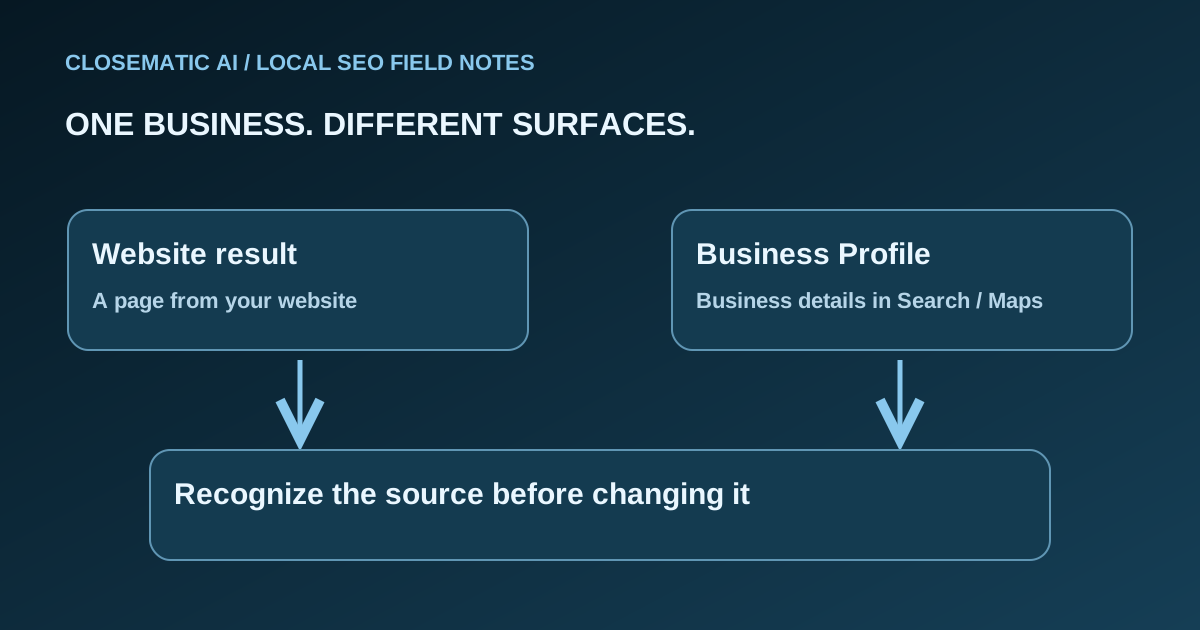
Think of your business as the center of a diagram. One branch leads to your website and its individual pages. A second branch leads to your Business Profile. That profile can appear in both Search and Maps. These branches connect, but they are not interchangeable copies.
| Surface | What you are looking at | What to inspect first |
|---|---|---|
| Website result in Search | A link to a particular web page | The destination page, service described and next step |
| Business information in Search | A profile or local result associated with a business | Business identity, category, hours and contact information |
| Google Maps | A place-focused view with business results | The selected business, search area and profile details |
Google explains Search through crawling, indexing and serving results. A site being online does not mean every page will appear. Google also explains that local results appear in both Search and Maps. Treat the website and profile as two things to inspect, even when a customer moves between them in a single visit.
A website page can answer a deeper question
A service page gives you room to explain what you do, who the service is for, what information a customer should provide and how to contact you. Ask whether someone landing directly on that page can understand the offer without first visiting the homepage.
For example, a visitor researching a repair may need to understand the service scope before calling. This is an illustration of a possible journey, not a claim about how often customers behave that way. A useful page should make that next decision easier regardless of where the visitor came from.
If you are inspecting a generated answer rather than a profile or standard website result, read how Google AI Overview links work to distinguish a supporting source from a business recommendation.
A profile helps someone identify and assess the business
Check your profile against your actual business details, not against a list of phrases you wish to rank for. Google’s representation guidelines call for accurate real-world naming, location or service area and categories. Do not turn the business name into a keyword list.
Place the website and profile side by side. Can a customer recognize the same business? Do the service description and contact route make sense together? This is a practical consistency check, not proof of a ranking improvement.
Name searches and service searches answer different questions
Searching your exact business name checks information associated with that name. Searching a service asks which options appear before someone has chosen a provider. Keep these observations separate: a successful name search does not establish visibility for every relevant service or location.
Use a small observation sheet rather than relying on memory:
| Record | Why it matters |
|---|---|
| Exact query | “Business name” and “service near me” are different tests |
| Search or Maps | Prevents comparing unlike surfaces |
| Search location or selected map area | Makes the geographic context explicit |
| Device and account context | Records how the observation was made |
| Result and destination | Distinguishes your profile from your website or a directory |
| Question still unanswered | Keeps the next action focused |
One observation cannot establish a position across an entire city. Google’s local ranking guidance identifies relevance, distance and prominence as major factors. Paying for software does not buy a better local position. Record what appeared without converting that snapshot into a universal claim.
Diagnose the missing piece before making changes
There are several different meanings of “not showing.” Your website may not appear for a chosen search. Your profile may be visible by name but absent from the first results for a service. You may also be unable to find the correct profile at all.
Use those distinctions to choose the next check:
- Wrong business details: compare the profile with your actual business information.
- Wrong destination page: inspect the page linked from the result and whether it describes the intended service.
- Profile cannot be found: follow the separate Business Profile visibility checklist before making broad changes.
- Results differ by search: preserve both observations and their context rather than choosing whichever looks better.
Avoid changing your name, categories, site copy and contact information together merely because one search disappointed you. A short change record makes later review more useful: what was wrong, what changed and what evidence would show that the issue was resolved?
Keep the measurements separate
Keep profile views, website-link clicks and call-button clicks separate because they describe different actions. None proves a completed job by itself. Google’s performance documentation defines the profile metrics; use those definitions before combining a report or deciding what business outcome it demonstrates.
Read the source and definition beside each number. If a report combines activity, ask whether it still lets you distinguish profile actions from website activity and actual inquiries. Our guide to Business Profile performance explains how to turn those observations into useful questions.
AI Mode and AI Overview are additional Google experiences, not alternative names for Maps. If AI visibility is your question, keep it separate from a Maps check and review the scope of answer engine optimization. A profile appearing in Maps is not evidence that an AI response recommends your company.
Your next-step checklist
Choose your next action only after identifying the surface, the exact observation and the question still unanswered. Give one person responsibility for the check and retain the result with its context. The checklist below turns that record into a focused task instead of a broad redesign.
- You know whether the result is a website, profile or Maps result.
- You recorded the exact query and geographic context.
- You checked the destination rather than only the result title.
- You distinguished absence from a lower position.
- You chose a measurement that matches the question.
- You assigned one person to review the next change.
If your next need is organizing that work, explore Closematic’s local SEO scope. Use the platform to evaluate the tasks you need to manage; continue judging visibility by evidence from the specific surface you are checking.
