
Compare a defined job, not an SEO price label
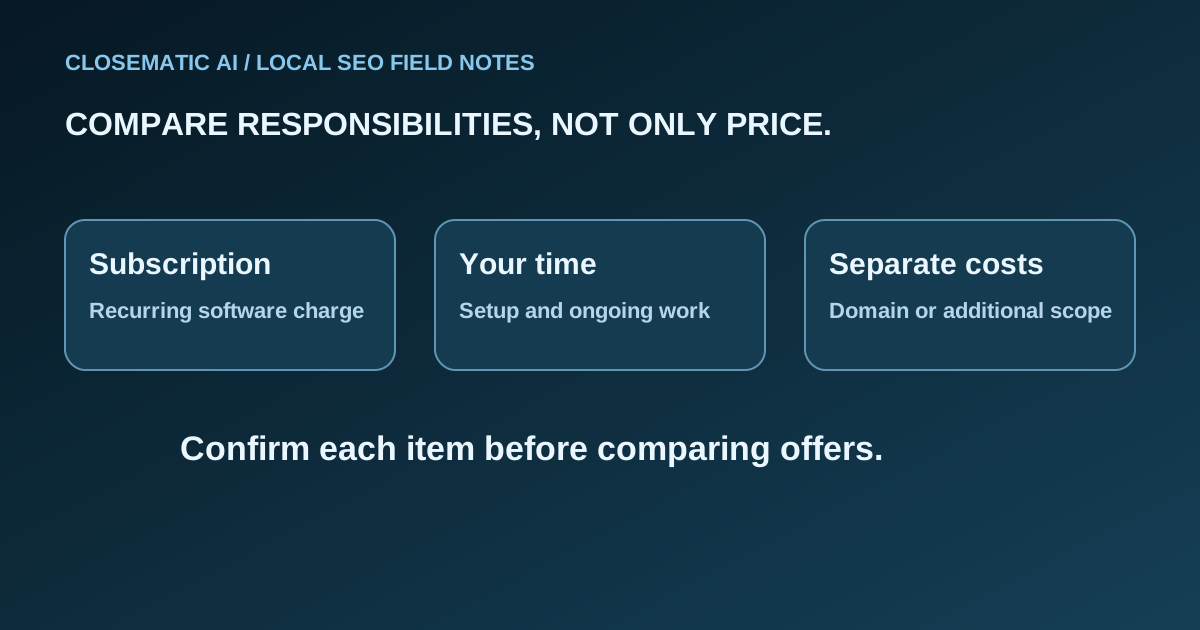
A useful local SEO cost comparison starts with the work you are buying and the person responsible for it. A software subscription and a managed service can address similar goals while assigning different responsibilities. Compare written scope and your own contribution before judging their prices.
Start with the work you need during the comparison period. Perhaps it is maintaining business information, replying to reviews, improving a service page and reviewing incoming inquiries. Then match each offer to that list. A proposal that includes less work is not automatically better value because its headline price is lower.
There is no agency price range in this guide because a range without comparable, verified scopes would not answer that question. Use actual written offers and the worksheet below. If you need to define the tasks first, read what local SEO software can and cannot do.
Keep four budget categories separate
Separate software, services, other expenses and internal time before calculating a total. Each category answers a different question: what you can use, who performs the work, what else you must buy and what your business contributes. Keep exclusions and unknown costs visible beside the quoted charges.
| Category | What to write down | Question that prevents a surprise |
|---|---|---|
| Software | The subscription and billing frequency | What capabilities and limits are included? |
| Services | Specific work performed by another person or team | Who creates, approves and checks each deliverable? |
| Other expenses | Items required but excluded from the offer | Is hosting, a domain or another tool separate? |
| Internal time | Setup, approvals and ongoing work by your business | Who has time to perform those tasks? |
Use a chosen period for all offers. Comparing one month of software with a one-time project or an annual commitment hides the difference in terms. Keep setup costs visible even if the provider spreads them across payments.
Do not automatically add every possible expense. Write “included,” “separate,” “not needed” or “unconfirmed” beside each item. An unconfirmed cost is a question to resolve, not permission to enter zero. Likewise, do not budget for an add-on only because it appears elsewhere in a vendor’s catalog.
Separate cash spending from your time estimate
Your cash budget is what you expect to pay suppliers. Your internal time estimate helps decide whether the work is practical for your business. Keep separate subtotals, then combine them only as a planning view with your assumptions visible, not as a representation of the provider’s invoice.
A simple worksheet is:
- Cash budget: subscription charges for the chosen period, plus confirmed setup charges, services and separate expenses.
- Internal time estimate: expected hours contributed by your business, multiplied by a planning value you choose.
- Planning total: cash budget plus your internal time estimate, with assumptions listed beside it.
This is a planning method, not an invoice or a claim that your time has a standard market price. Use your own figures. If the same staff hours already appear in a service estimate, check that you are not counting them twice.
Track the work that makes a tool usable
List the information you will gather, the accounts you will connect, the content you will approve and the reports you will review. Ask the provider which steps belong to you. A tool can be affordable yet impractical if nobody is responsible for supplying the information it needs.
Avoid assuming that setup takes a particular number of minutes or that automation eliminates ongoing attention. Request a demonstration, note the unresolved steps and estimate your effort from the work involved. The software buyer worksheet provides a way to compare those responsibilities across products.
Know what the Google part costs
Eligible businesses can add or claim a Google Business Profile at no charge. Paying a software company or service provider is a separate decision about its tools or work. Identify that scope in your budget so a management expense is not mistaken for a Google listing fee.
Google also states that there is no way to pay for a better local ranking. A proposal should therefore describe tasks, capabilities and terms rather than treat payment as the purchase of a search position.
For your budget, distinguish access to a tool from evidence that its work was completed, and distinguish both from customer outcomes. Keep an expense because the scope is useful and verifiable, not because an unsupported ranking promise makes the price appear safe.
If the proposal includes AI visibility monitoring, use the AI software evaluation checklist to verify its coverage and evidence before treating that capability as part of the scope you are paying for.
Use Closematic’s plan as a concrete scope example
Closematic AI’s The New Google plan costs US$97 per month, and The New Google & AIs plan costs US$247 per month. Billing begins at purchase and renews automatically each month. There is no setup fee or minimum term. You do a simple self-setup, then our system and team do the ongoing work; a custom domain is a separate expense.
The New Google covers Google Business Profile management, Google AI Mode and AI Overviews work, reputation management and a bonus one-page website. The New Google & AIs adds a local website, presence in ChatGPT, Claude, Gemini, Perplexity, Meta AI and other apps, a spam filter, a leads inbox, reports and Lily. Lily helps you, the business owner. She does not reply to your customers.
Review the platform for the product scope and pricing for the full offer. For any requirement not explicitly included, ask before adding it to your budget as covered. This is particularly important when comparing a subscription with a proposal that includes people doing custom work.
For cancellation, request help by email or support. Access continues through the period already paid for, and refund requests are considered case by case. Read the subscription and refund policy before purchase. Do not infer an automatic refund from the absence of a minimum term.
Decide how you will review the spend
Choose a specific review question that matches the purchased scope. Can the team keep business information current? Are review replies being handled? Are inquiries recorded clearly enough for follow-up? Can you distinguish completed work from work waiting on your input?
Then review customer activity separately. The Business Profile performance guide explains why views, clicks and actual business outcomes should not be treated as one number. A change in an activity metric does not, by itself, identify which expense caused it.
Keep a simple record with three columns: work completed, activity observed and next action. This gives you a practical basis for renewing, changing your process or investigating a gap. It is more useful than demanding a conclusion from a single ranking screenshot.
Budget checklist before you pay
Finish your budget by checking scope, recurring charges, setup work, separate expenses and internal time against the same comparison period. Resolve important unknowns before selecting a provider. Keep cancellation and access terms with the offer so your decision accounts for both starting and ending the service.
- The same tasks and comparison period for each offer.
- Recurring charges and their billing frequency.
- Setup work and the person responsible for it.
- Separate expenses, including any domain requirement.
- Internal time listed apart from cash payments.
- Written cancellation, access and refund terms.
- A review plan that separates work from outcomes.
If an offer leaves an important cost or responsibility unconfirmed, resolve that cell first. Then choose a scope your business can afford and operate, with expectations tied to work that can be checked.
